


AirsPops Airscream Pro II Device Starter Kit
Or 4× interest-free payments of R 114.75 with .
How PayFlex works
PayFlex lets you get your order now and split the cost into 4 interest-free payments — with no interest and no fees when you pay on time.
- 1Pay 25% today. Your order ships straight away.
- 2Pay the rest over 6 weeks. Three more equal payments, one every two weeks, collected automatically.
- 3That's it — interest-free. No fees or interest as long as you pay on time.
What you'll need: to be 18 or older, a South African ID number, and a South African debit or credit card.
How to use it: choose PayFlex at checkout and enter your ID — you're assessed in seconds, with no paperwork.
AirsPops Airscream Pro II Device Starter Kit - Glossy Yellow is backordered and will ship as soon as it is back in stock.
Done — we'll email you the day it's back.
Delivery information
What doorstep delivery costs, standard service:
- Cape Town — R73
- Main Centres — R78
- Regional — R128
Collecting is usually cheaper. Bob Box lockers in the major centres are normally our lowest rate, and Pargo pickup points cover the rest of the country. Collection pricing depends on the point you pick, so we show it at checkout rather than quote a figure that might not be yours.
Spend R299 and we take R10 off your delivery. Every R100 after that takes off another R10, up to R190 — so most orders ship free or close to it.
Your exact cost for every option appears at checkout once you enter your address.
How fast — all cut-offs are 7 AM on a weekday:
- Same-day in Cape Town
- Next-day to main centres
- 2-day to regional areas
- Economy & collection 2–6 business days
You can track your order online with your order number and receive live updates.
Safe, secure checkout
Encrypted, PCI-compliant checkout — your card details are never stored on our store.


Pay however suits you. We accept:
- Card — Visa, Mastercard and American Express, credit or debit
- Apple Pay & Google Pay — One tap on your phone
- Instant EFT — Pay straight from your bank, including Capitec Pay, Absa Pay and Nedbank Direct EFT
- PayFlex — Pay in 4 interest-free payments over 6 weeks
- Manual EFT — Pay by bank transfer
- Store credit & gift cards — Use a gift card or credit on your account at checkout
Every payment is processed over a secure, encrypted connection. All payment options
Moneyback guarantee
Receive a faulty vape? We'll always replace, refund, or credit you in full.
- Faulty product: let us know within 7 days of delivery and we'll replace, refund, or credit you in full.
- Changed your mind? Return within 3 days of delivery. The item must be sealed and resellable; you cover the return courier fee (refund less that fee).
To start a return or report a fault, email orders@smokeorganic.co.za. Once approved, we'll send a prepaid label and our courier collects within 1–2 business days.
Refunds go back to your original payment method, or choose store credit or a gift card.
Description
Description
Introducing the AirsPops Airscream Pro II Device Starter Kit, your ultimate vaping companion designed to deliver an exceptional experience with enhanced features, adjustable power, and superior performance.
Features:
- Enhanced Battery Life: Equipped with a robust 1000mAh battery, the Pro II ensures extended usage, keeping you powered throughout the day.
- Adjustable Power: Fine-tune your wattage settings to control vapor production and flavor intensity.
- Adjustable Airflow: Customize your draw with the adjustable airflow feature, allowing for a personalized vaping experience tailored to your preferences.
- Smart Display Screen: Stay informed with the sleek info screen that displays battery life, puff count, power settings, and more, providing real-time data at your fingertips.
- Fast USB-C Charging: Experience lightning-fast charging with USB-C compatibility, minimizing downtime and maximizing convenience.
Why Choose the AirsPops Airscream Pro II?
The AirsPops Airscream Pro II is designed for both beginners and seasoned vapers seeking a reliable, high-performance device. Its combination of a powerful battery, adjustable power, airflow control, and an intuitive display ensures a seamless and enjoyable vaping experience.
Compatible Accessories:
- Airscream Pro Refillable Pods – Customisable with your favorite e-liquids. They come in two options: Built-in Coil Pods and Pods without Coils.
-
Airscream Pro Replacement Coils - Compatible with Refillable Cartridges (Pods)
- 313 AirsPops E-Liquid 30ml – Premium nicotine salt e-liquid for a smooth experience. Note you can use any e-liquid brand of your choice with this device.
Specifications
Specifications
-
Dimensions
-
Battery Size
-
Coil Resistance
-
RefillableYes
-
RechargeableYes
-
E-Liquid Capacity
-
Pod Compatibility
Whats in the box?
Whats in the box?
Discover the Airscream Pro II Features
Enjoy our launch video for the next-generation Airscream Pro II Device.
Real People, Real Reviews
Customer Reviews
5 photos from customers
-
Anonymous ★★★★★
Great device
Great device, long lasting battery and not too heavy on the liquids,nice and slim for everyday carry no matterwhat youre doing you wont even notice you have it on you its really just spectacularMatte White -
Matthew J. ★★★★★It's niceMatte White
-
Nahda A. ★★★★★
Airscream Pro2
The best vape I've used so far. Battery last long and very flavorful. Also excellent customer service from start to finish. Highly recommendedMatte White -
Anonymous ★★★★★
Excellent easy to use device
This device is fantastic! The customer service is top-notch, the pricing is great, and the website is super easy to use.Matte White -
Nazia B. ★★★★★
A really good device
I’m using the Airscream Pro 2 for well over a month now and it’s been a dream. No leakage, perfect airflow and just the right hit every time.Matte White -
M.B. ★★★★★
Airscream pro 2 device
Great product, I’ve been using this product for a while now and have not experienced any issues yet. No leakage no worries.Matte WhiteHelpful? ▲ 1 ▼ 0 -
Darion O. ★★★★★
Good Product
Good shipping term, good delivery. Satisfied overall.Matte WhiteHelpful? ▲ 1 ▼ 0 -
Charl J. ★★★★★
Great improvement
This is definitely a worthy improvement over the Airscream Pro! The adjustable airflow, puff counter and the adjustable power makes it feel super premium and perfect for the next gen vaping trends in 2024 ✅Helpful? ▲ 1 ▼ 0
More for the Airscream Pro II
View all-
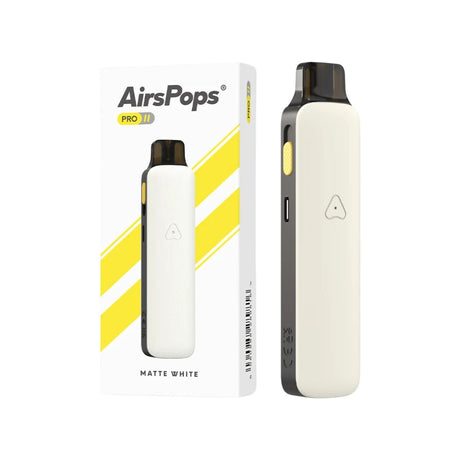
AirsPops Airscream Pro II Device Starter Kit
Regular price R 459.00Unit price /UnavailableVery low stock (3 units) -
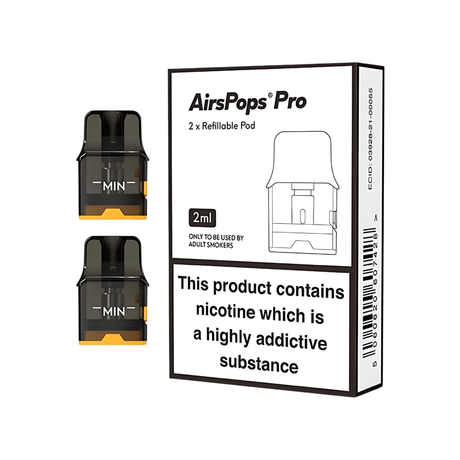
Airscream Pro II / Pro LITE Refillable Pod 2-Pack
Regular price From R 139.00Unit price /UnavailableLow stock (15 units) -
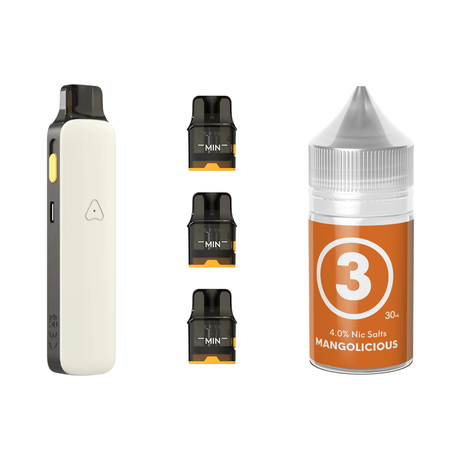
Airscream Pro II Device, Refillable Pods and E-Liquid Bundle
Sale price R 839.00 Regular price R 927.00Unit price /UnavailableIn stock (86 units) -
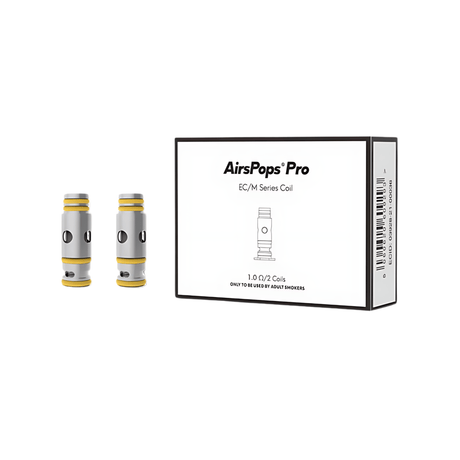
Airscream Pro II / Pro LITE Coil 2-Pack
Regular price R 139.00Unit price /UnavailableVery low stock (1 unit) -
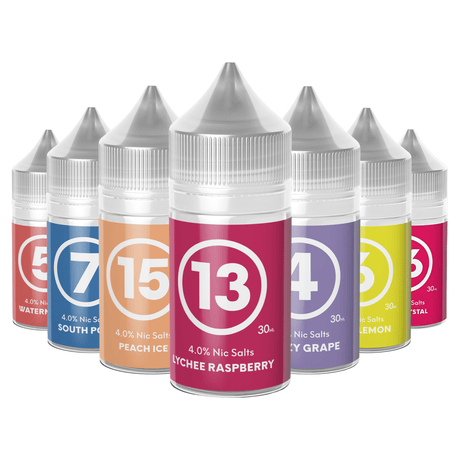
313 AirsPops E-Liquid 30ml - 4.0%
24 flavoursSale price R 319.00 Regular price R 339.00Unit price /UnavailableR 10.63 / mlIn stock (66 units) -
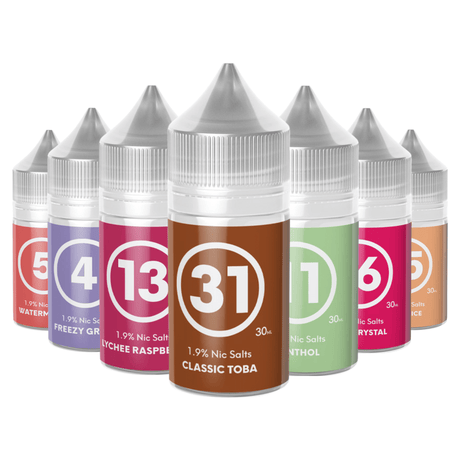
313 AirsPops E-Liquid 30ml - 1.9%
13 flavoursSale price R 319.00 Regular price R 339.00Unit price /UnavailableR 10.63 / mlIn stock (54 units) -

Airscream Pro II / LITE Refillable Pods & 313 AirsPops E-Liquid Bundle
Sale price R 549.00 Regular price R 617.00Unit price /UnavailableIn stock (46 units)
